
Install PatchWave
Before you start
Section titled “Before you start”You need:
- A GitHub organization or personal account with Dependabot turned on for at least one repository.
- Permission to install GitHub apps on that account. If you don’t have it, you can request the install.
PatchWave includes 25 free dependency pull requests every month. No credit card required.
Set up PatchWave
Section titled “Set up PatchWave”-
Create an account in the PatchWave app.
-
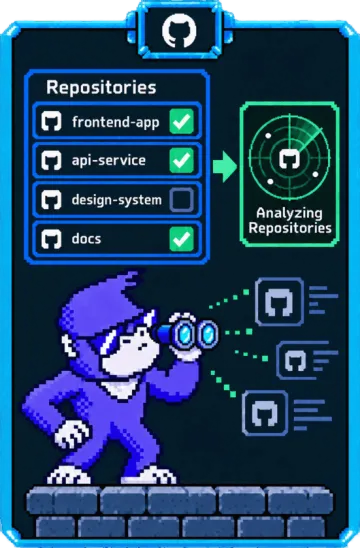
Install the GitHub app and pick the repositories it can see. GitHub lists the permissions PatchWave requests before you approve.
-
Choose the repositories PatchWave watches. PatchWave ignores the rest.
-
Decide on auto-merge. Turn it on now or later. See Auto-merge.
-
Invite your team.
What happens next
Section titled “What happens next”PatchWave analyzes each Dependabot pull request with static analysis and AI agents that we test against real dependency updates. It then decides whether the update is safe.
If auto-merge is on and the pull request matches your policy, PatchWave adds it to the merge queue. Otherwise, PatchWave asks you to review it.
If you aren’t an organization owner
Section titled “If you aren’t an organization owner”When you install the app, GitHub sends the request to an organization owner. Once they approve it, sign in again and finish setup. See GitHub’s guide to requesting a GitHub app.
Private registries and CI providers
Section titled “Private registries and CI providers”If your build installs private dependencies, set up access to your package registry so PatchWave can review updates to those dependencies and test fixes.
PatchWave can read GitHub Actions logs without extra setup. For other CI providers, such as CircleCI, see Integrations.
Stuck? Email support@contextbridge.ai and a human will help.